Price changes in Shopify are permanent and can't be undone with a click. A mistake across 500 items can get expensive — a backup is your insurance.
Why price changes are risky
Unlike a draft, saved prices take effect in the shop immediately. A wrong factor, a typo in an import or an accidental batch change — and hundreds of prices are wrong, with no easy way back.
What a good backup contains
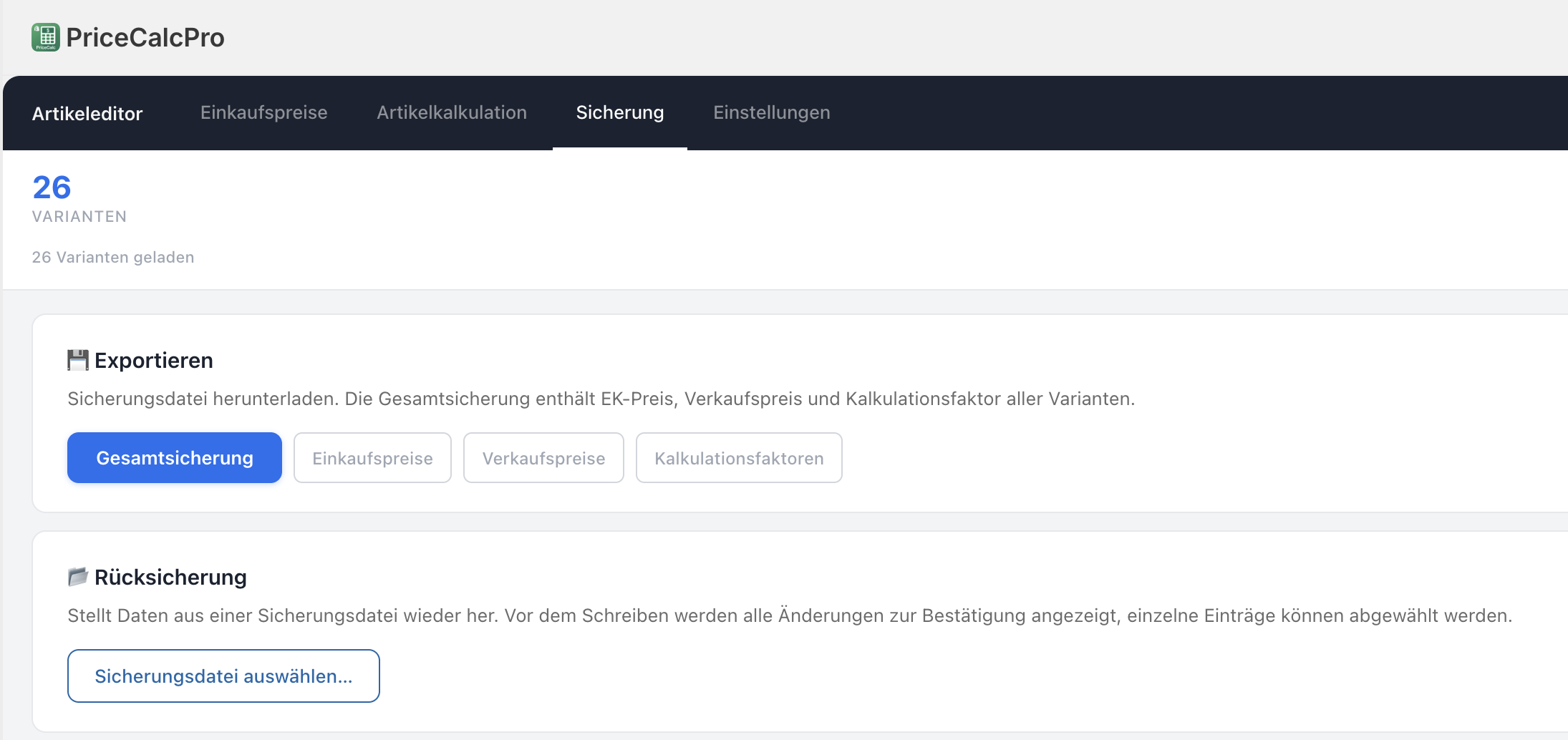
A full backup contains the cost price, sell price and calculation factor of all variants — ideally as a file you keep locally. That way you can return to the last clean state at any time.
Restore with review
When restoring, you don't want to blindly overwrite everything. Ideal is a diff view that shows every difference and lets you select or deselect individual entries — so you fix only what's needed.
Back up automatically before saving
PriceCalc Pro creates a backup before every change on request and offers a restore with a diff view — every price change stays under control.
See PriceCalc Pro →