Skip to content
PriceCalc Pro
  • DEEN
  • ← Home

Home › Guide

How to Calculate VAT in Your Online Shop (19% / 7%)

Guide · approx. 3 min read

The price your customers see is the gross price — including VAT. To keep your margin right, calculate net and add the tax only at the end.
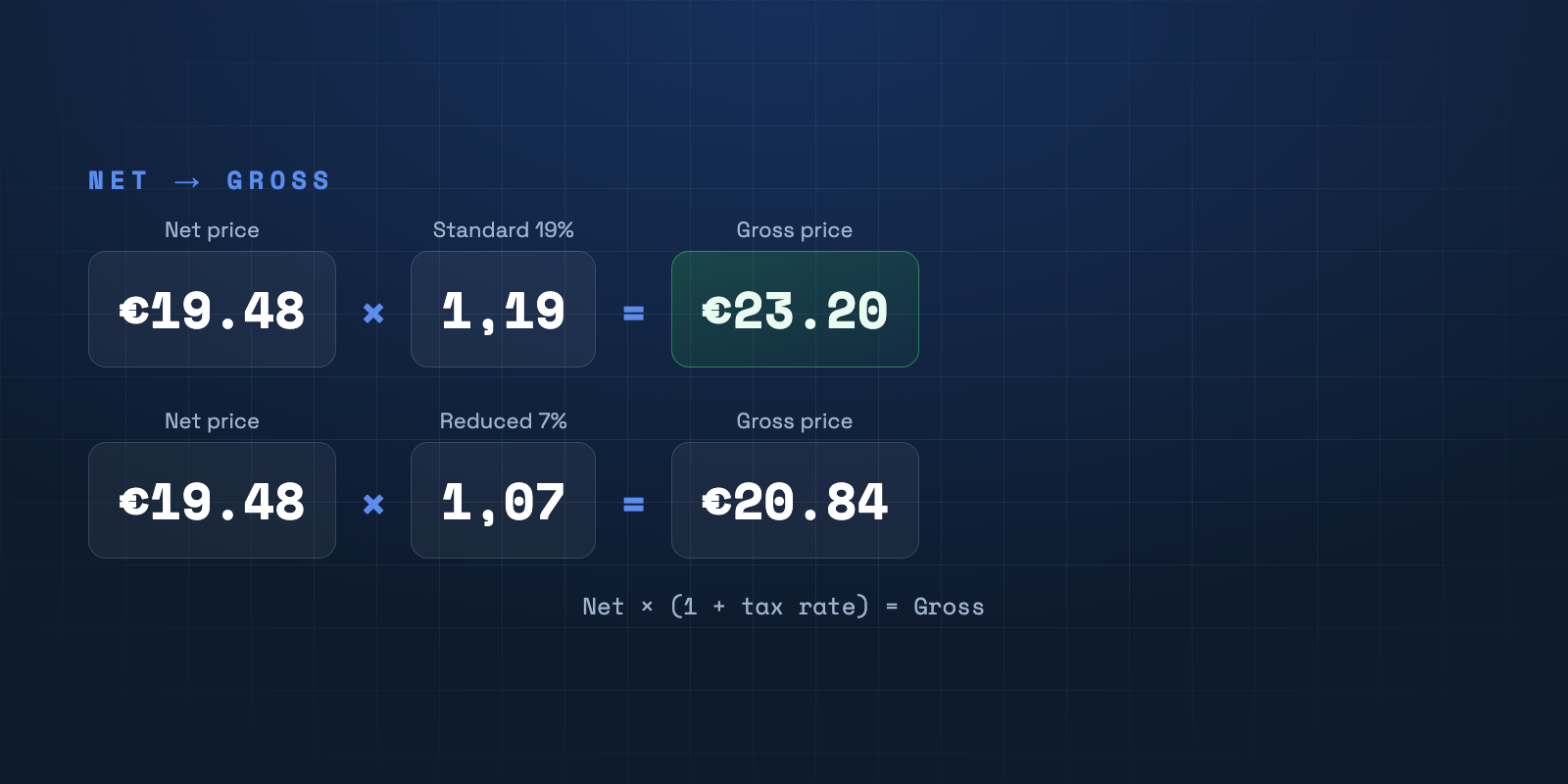
Net price €19.48 × 1.19 gives €23.20 gross (19%); × 1.07 gives €20.84 (reduced 7%).

Net, gross and VAT

The net price is your calculated price without tax. The gross price is the final price with tax. The formula: net × (1 + tax rate) = gross. Example: €19.48 × 1.19 = €23.20 (at 19%).

Standard or reduced rate?

In Germany the standard rate of 19% usually applies. For certain goods — such as many foods or books — the reduced rate of 7% applies. The correct rate depends on the product and should be set per item.

Common mistake: calculating on gross

Calculating directly with gross prices mixes margin and tax. Always calculate in net steps and add VAT last — so your margin stays clean and comparable regardless of the rate.

VAT per product — in one click

PriceCalc Pro stores the tax rate (standard or reduced) per product and calculates the gross price automatically from the net price.

See PriceCalc Pro →

Frequently asked questions

How do I convert net to gross?
Gross = net × (1 + tax rate). At 19%: net × 1.19. At 7%: net × 1.07.
When does the reduced 7% rate apply?
For certain product groups such as many foods, books or magazines. Check the classification per product.
Is this tax advice?
No. This guide and the app do not replace professional tax advice — when in doubt, ask your tax advisor.

All guides

  • Retail pricing
  • Calculation factor
  • Markup vs. margin
  • VAT in your online shop
  • Price rounding
  • Cash discount & rebates
  • Cost prices in Shopify
  • Bulk prices via Excel
  • Adjust prices on cost rise
  • Backup before price changes
© 2026 JRMedia · Janine Fabienne Eicker Home · Retail pricing · Legal notice