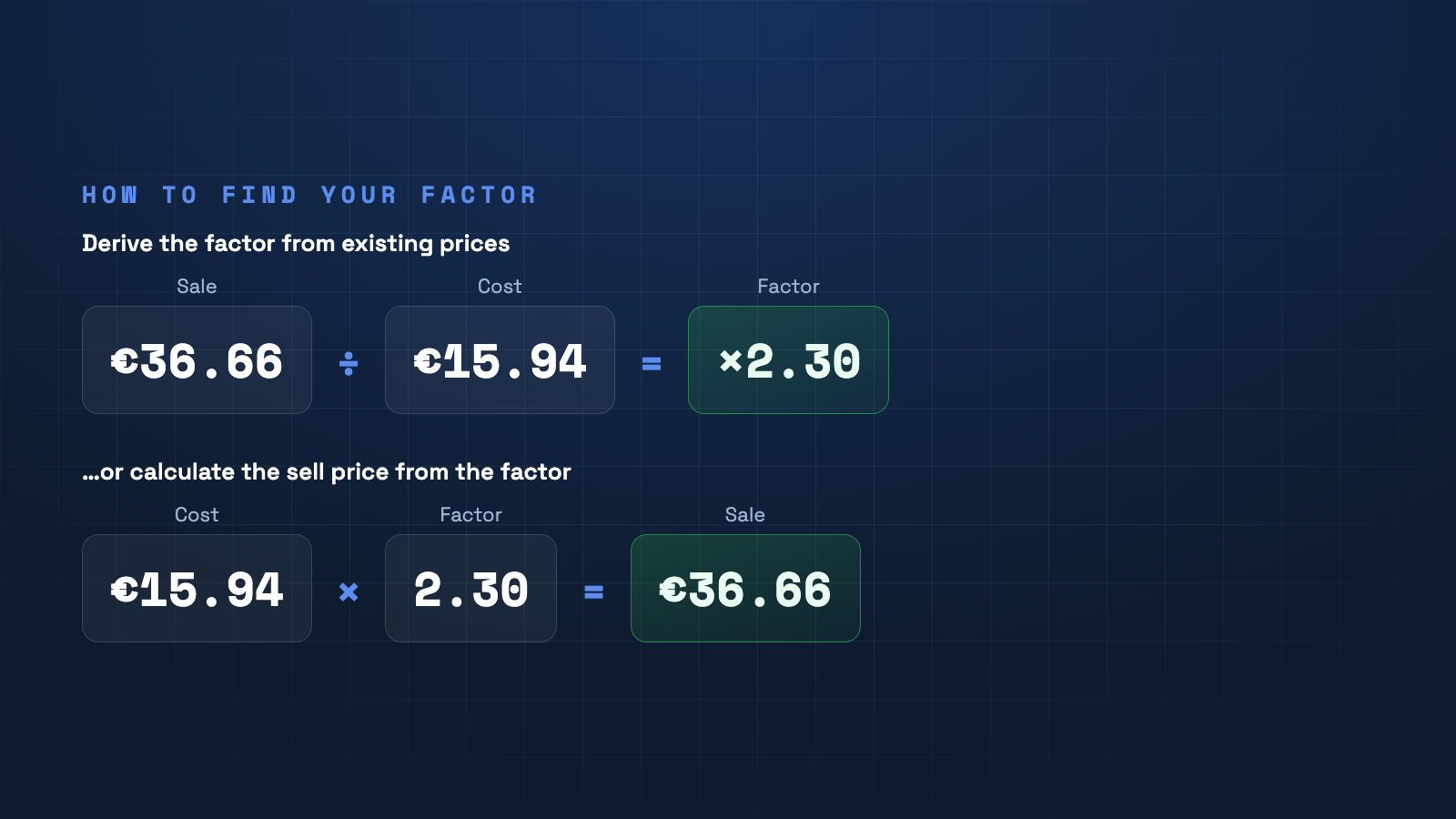
The calculation factor is the simplest way to set sell prices: cost price × factor = sell price. The art is finding the right factor — here's how.
What is the calculation factor?
The calculation factor is a single number you multiply the cost price by to reach the sell price. It bundles all markups — costs, profit and tax — into one value. A factor of 2.3 means the sell price is 2.3× the cost price.
Derive the factor from existing prices
If you already have sell prices, work backwards: factor = sell price ÷ cost price. Example: €36.66 ÷ €15.94 = ×2.30. This reveals the factor you have actually been using — often very inconsistent across the catalog.
Build the factor up from your costs
The cleaner way is to derive the factor from real costs: add your handling costs, profit margin and — for gross prices — VAT to the cost price. Divide the result by the cost price and you get your minimum factor. Anything below it means a loss.
One factor or many?
A single factor is fast but rarely fits every product group. Items with high handling or low goods value need a higher factor. Set the factor per collection or even per product — not one blanket value for the whole catalog.
Set the factor — automatically in Shopify
PriceCalc Pro stores your calculation factor per variant, derives it from existing prices when needed, and calculates the sell price straight in Shopify.
See PriceCalc Pro →